
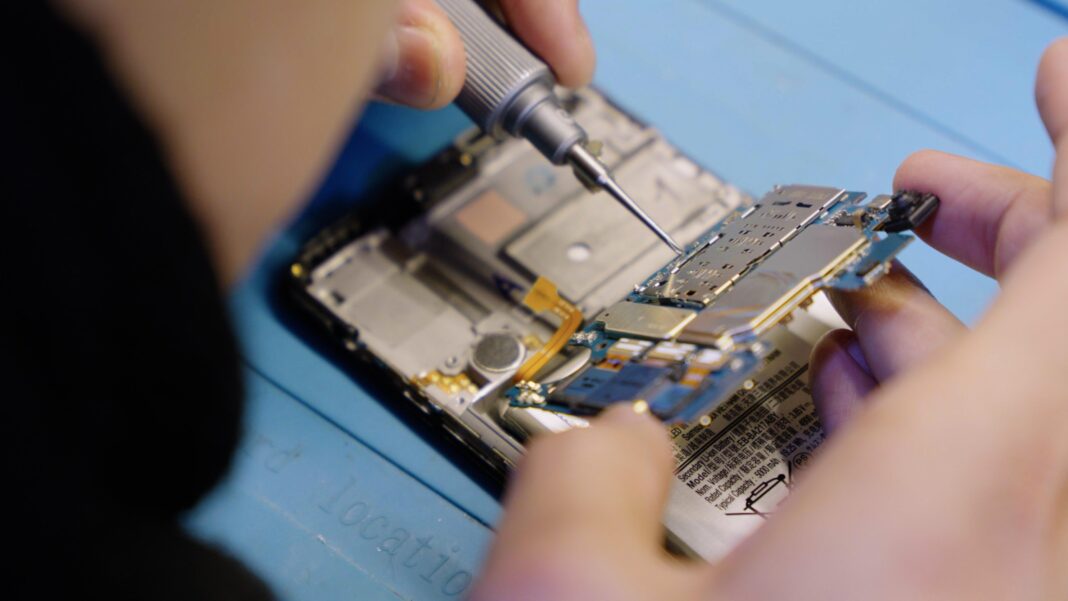

Smartphones have become an essential part of daily life. From staying connected with friends and family to managing work, banking, travel, and entertainment, we rely heavily on our devices. So when something goes wrong with your phone—whether it’s a cracked screen, battery issue, charging problem, or software malfunction—it can feel frustrating and stressful.
Many people hesitate to visit a repair shop because they don’t know what the process looks like. Questions like “How long will it take?”, “Will my data be safe?”, or “What exactly do technicians do with my phone?” are common.
If you’re planning to bring your device to a professional repair center like Repair My Phone Today, understanding the repair process can help you feel confident and prepared. In this guide, we’ll walk you through what typically happens step-by-step when you take your phone to a repair shop.
Step 1: Initial Device Inspection
The repair process usually begins with a quick inspection of your phone.
When you arrive at a professional repair shop such as Repair My Phone Today, a technician will first ask about the issue you’re experiencing. You might be asked questions like:
-
When did the problem start?
-
Did the phone fall or get wet?
-
Is the issue constant or intermittent?
-
Has the phone been repaired before?
These questions help technicians understand the possible cause of the problem.
After that, they will physically examine the phone to look for signs of:
-
Screen cracks
-
Water damage
-
Loose buttons
-
Charging port damage
-
Battery swelling
This first inspection helps determine whether the issue is hardware-related, software-related, or both.
Step 2: Diagnostic Testing

Once the technician understands the reported problem, the next step is running diagnostic tests.
Diagnostic testing is important because sometimes the visible problem isn’t the only issue affecting the device. For example:
-
A cracked screen might also damage the display connector.
-
Charging problems could be caused by the battery, charging port, or motherboard.
-
Overheating might be related to software bugs or failing components.
Technicians may perform tests such as:
-
Checking battery health
-
Testing charging current
-
Examining motherboard components
-
Running system diagnostics
-
Testing touch responsiveness
At Repair My Phone Today, diagnostic testing helps ensure that technicians identify the real problem before starting any repair work.
Step 3: Repair Estimate and Explanation
After diagnostics are complete, the repair technician will provide you with a clear explanation of the issue and the recommended fix.
This step typically includes:
-
Description of the problem
-
Repair solution
-
Estimated repair cost
-
Estimated repair time
For example, if your screen is broken, the technician may explain that it requires a full display replacement. If your battery is draining quickly, they may recommend a battery replacement.
Professional repair shops like Repair My Phone Today believe in transparent pricing, so customers understand exactly what they’re paying for before the repair begins.
You’ll then be asked whether you would like to approve the repair.
Step 4: Data Safety and Preparation
Before technicians begin working on the phone, they usually take steps to protect your device and your personal data.
Although most repairs do not affect stored data, technicians may recommend:
-
Backing up your phone if possible
-
Removing SIM cards or memory cards
-
Turning off device security locks if necessary for testing
Reputable repair shops prioritize customer privacy and data protection, and technicians do not access personal files unless necessary for diagnostics.
At Repair My Phone Today, customer trust is extremely important, so devices are handled carefully throughout the entire repair process.
Step 5: The Repair Process Begins

Once the repair is approved, technicians begin the actual repair work.
Depending on the issue, this step may involve several technical procedures such as:
Screen Replacement
This is one of the most common phone repairs. The technician carefully removes the broken display and installs a new screen assembly.
Battery Replacement
If the battery has degraded, it is removed and replaced with a new one to restore proper power performance.
Charging Port Repair
Dust buildup, corrosion, or damaged pins may require cleaning or replacement of the charging port.
Camera Repair
If your camera stops focusing or becomes blurry, the camera module may need replacement.
Water Damage Treatment
Water-damaged phones may require cleaning internal components and repairing affected circuits.
Professional technicians use specialized tools and anti-static equipment to avoid damaging sensitive internal parts.
Step 6: Quality Testing After Repair
After the repair is completed, the device goes through quality testing to ensure everything works correctly.
Technicians check several functions including:
-
Touchscreen responsiveness
-
Display brightness and clarity
-
Charging functionality
-
Battery performance
-
Camera operation
-
Wi-Fi and signal connectivity
-
Speaker and microphone
Quality testing ensures that your phone leaves the shop fully functional and reliable.
At Repair My Phone Today, every device is tested carefully before it is returned to the customer.
Step 7: Customer Pickup and Final Demonstration
Once the repair is finished, you will be notified that your device is ready for pickup.
When you return to collect your phone, the technician may:
-
Show you the repaired device
-
Demonstrate that the issue has been resolved
-
Allow you to test the phone yourself
This step ensures that you feel satisfied with the repair before leaving the shop.
Professional repair centers always want customers to leave confident that their device is working perfectly again.
Step 8: Warranty and After-Repair Support
Many reputable repair shops provide a warranty on replacement parts and repairs.
This means that if the same issue occurs again within the warranty period, the repair shop will fix it without additional charges.
At Repair My Phone Today, customer satisfaction is a top priority, and offering repair support ensures peace of mind after the service.
Common Phone Problems Repair Shops Fix
Some of the most common issues customers bring to repair shops include:
-
Cracked screens
-
Fast battery drain
-
Charging problems
-
Water damage
-
Speaker or microphone issues
-
Camera problems
-
Overheating devices
-
Software glitches
Experienced technicians deal with these problems every day and can often repair devices quickly and efficiently.
Why Professional Phone Repair Is Worth It
Attempting to repair your phone at home may seem tempting, but modern smartphones are extremely complex devices.
Professional repair services offer several advantages:
-
Skilled technicians
-
Proper repair tools
-
High-quality replacement parts
-
Accurate diagnostics
-
Repair warranties
Choosing a trusted repair shop like Repair My Phone Today helps ensure that your device is repaired safely and correctly.
Final Thoughts
Bringing your phone to a repair shop doesn’t have to be stressful. Once you understand the process—from inspection and diagnostics to repair and testing—it becomes clear how professional technicians restore devices to working condition.
Repair experts follow a structured process to identify issues, fix damaged components, and ensure the phone performs properly again.
If your smartphone ever stops working the way it should, visiting a trusted repair service like Repair My Phone Today can help you get back to normal quickly without the need to replace your entire device.
FAQs
How long does phone repair usually take?
Many common repairs such as screen replacements or battery replacements can often be completed within 30 minutes to a few hours, depending on the device and issue.
Will I lose my data during phone repair?
In most cases, repairs do not affect your data. However, it’s always recommended to back up your phone before repair whenever possible.
Is it cheaper to repair a phone or buy a new one?
For most issues like screen damage or battery problems, repairing the phone is significantly cheaper than buying a new device.
Can water-damaged phones be repaired?
Yes, many water-damaged phones can be repaired if they are brought to a repair shop quickly after exposure.
What should I do before taking my phone to a repair shop?
Before visiting a repair shop, you should:
-
Back up your data
-
Remove SIM and memory cards
-
Note your device password if testing is needed

